Glorbet Mobile Casino: Play on Android and iPhone Without an App
Glorbet is a website that adapts to a phone, not an application. Open it in a current browser and the desktop layout collapses into a single column, and everything an account can do on a desktop is reachable from the same page.
That has one practical consequence worth stating before anything else. Because there is no official app, anything presented as one deserves suspicion. The rest of this page covers Android and Apple devices separately, then the parts that behave the same on both — the cashier, the battery, and the way a fast game feels different in a hand than on a desk.
Mobile experience
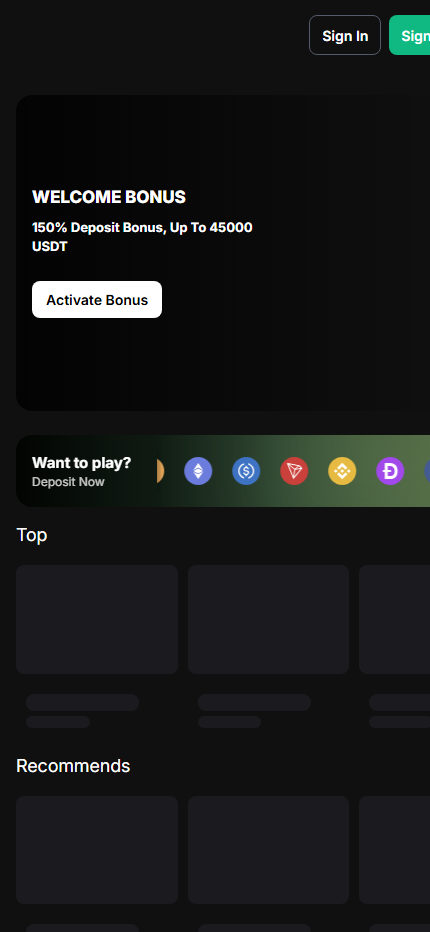
On a phone the order is fixed: Sign In and Sign Up at the top, the welcome bonus panel below, a horizontally scrolling strip of tokens under that, and then the game shelves. The wide desktop navigation folds into a compact menu, and the routes in the lobby menu sit inside it, because a phone gets the same responsive site rather than a separate mobile product.
The difference is in handling. The offer and the deposit prompt are the first things a thumb reaches, while a game’s rules panel sits a few taps deeper, so reading the conditions first has to be a deliberate step.
What happens when you follow that link
The link leaves this site and opens the operator’s page in a new tab. This site is paid if you arrive there, which is how it stays free to read and why the drawbacks are written out rather than left off. Nothing is shared with the operator by following it, and no account is created for you. Before depositing anything, confirm your age, your eligibility where you live, the current bonus conditions, the blockchain network in the cashier and the withdrawal rules — all of them can change, so check them with the operator before you deposit.
App vs mobile browser
Both platforms can put an icon on the home screen. On Android that is done from the browser menu, and on an iPhone through Safari’s share sheet. In both cases the icon opens the same website in the same browser engine: nothing has been installed, nothing gained extra permissions, and nothing will behave differently from the tab it replaced.
This matters because the gap between “shortcut” and “app” is exactly where sideloaded packages live. An APK offered in an advertisement, a messaging group or a download directory is not a casino; at best it is a wrapper around the same website, and at worst it is a login page that belongs to somebody else, with clipboard access thrown in. There is no legitimate reason to install one to reach a site a browser already opens.
Android
Chrome is the path of least resistance and handles the account session, the game frames and the links out to a wallet application without special configuration. Firefox works as well. Either way, JavaScript and first-party cookies have to stay enabled, and a hardened privacy profile is a common cause of a lobby that loads but cannot log in.
The wallet handoff is the part specific to a crypto casino. A deposit will typically move you out of the browser into a wallet app to authorize a transfer. Before approving anything, compare the asset, the network, the destination address and the amount against what the cashier displayed, then return to the original tab through the app switcher and wait for the deposit status rather than repeating the payment.
The operator publishes no device requirements. As this page’s own practical guidance, not an official specification, Android 10 or newer is comfortable, 3 GB of memory is workable and 4 GB or more is easier when switching to a wallet app. Better hardware makes the interface smoother and changes nothing else.
iPhone and iPad
Safari renders the site as an ordinary responsive page, and Chrome on iOS is equally usable because it runs on the same underlying engine, so the choice is preference rather than capability. The same guidance suggests iOS 16 or newer with a current Safari; keeping the system updated matters more than the browser, since certificate handling and graphics performance arrive that way. An iPad opens the same responsive site, and the operator publishes nothing specific for tablets.
The share sheet can add the site to the home screen, which is convenient and proves nothing about the existence of an App Store product. After opening a saved shortcut, glance at the address bar and confirm the domain, and never install a configuration profile to reach a casino. Face ID protects the wallet app, not the decision, and no support agent on any platform needs a seed phrase or private key.
Mobile cashier
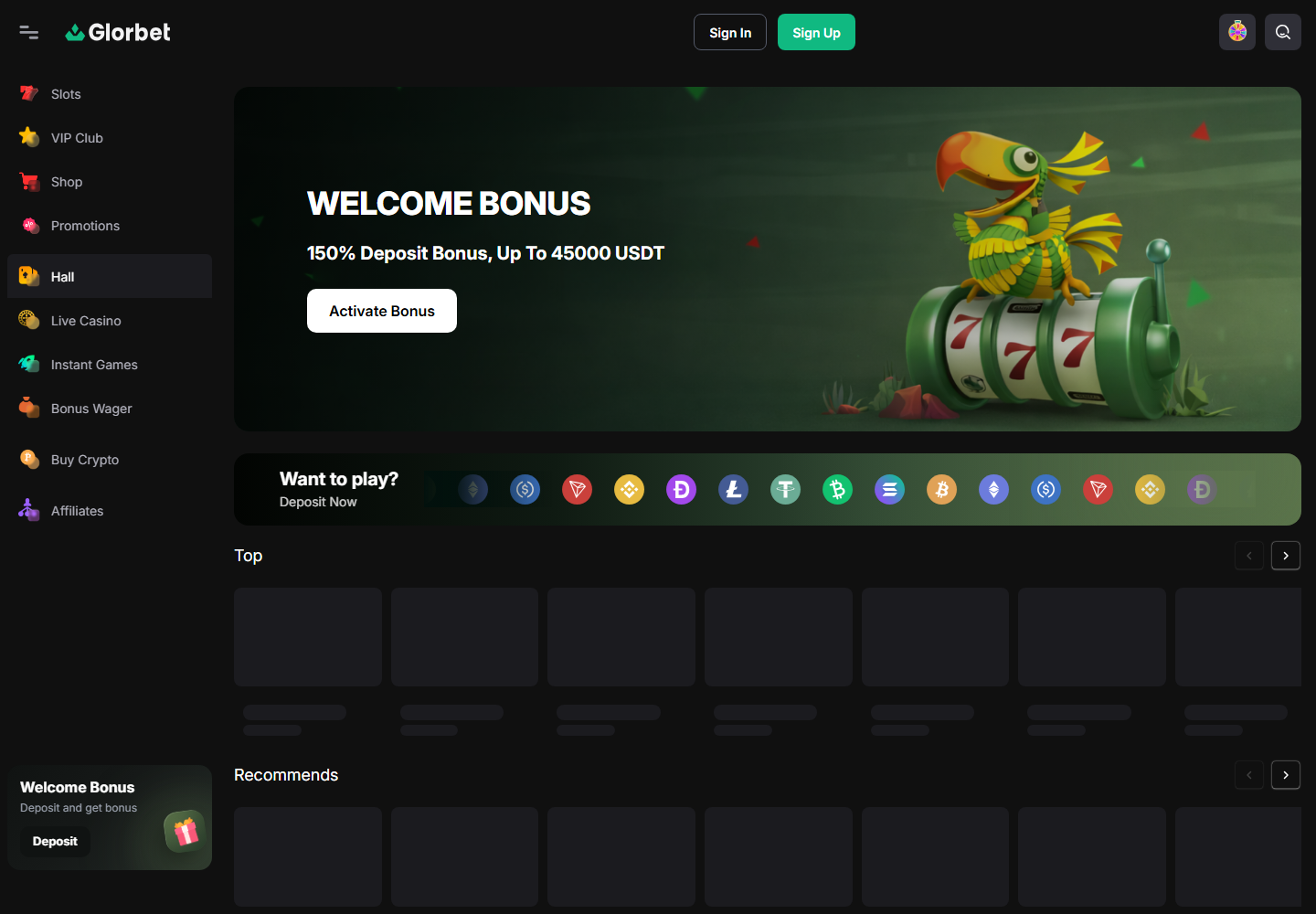
The token strip scrolls horizontally to save space, which puts a row of similar circular icons within a thumb’s width of each other. Read the full asset name and the network name in text every time rather than recognizing a colour, because the same token can live on several networks and the wrong one can mean a lost transfer.
A wallet address on a phone is truncated in the middle by default, so the visual check has to be deliberate: expand it, or compare the first and last characters after pasting. If a memo or tag is displayed, it is not optional. For a withdrawal, the receiving wallet has to support the exact asset and network the cashier offers; keep the transaction hash until the funds are visibly settled. The network and address checklist applies identically on a phone — there is simply less screen to catch a mistake with.
Pros and cons
In its favour, the browser version needs nothing installed, keeps the lobby and the cashier on one site, and works the same way in Chrome, Firefox and Safari. That removes the usual pressure to sideload a package from an unknown source.
Against it are the habits a phone creates. Fast formats resolve in seconds, and a thumb repeats an action more readily than a mouse does. A phone is present during commutes, breaks and sleepless nights, the three contexts in which a session was never planned. Public Wi-Fi is the wrong place for an account balance, and a logged-in browser on a shared phone is a live account. Against all of that, the only reliable countermeasure is a session timer you decide in advance, set on the device itself.
Mobile FAQ
Is there a Glorbet app?
No app is needed. Glorbet runs in a current mobile browser, and Android and iPhone can save a home-screen shortcut. An installable package offered in an advert or a chat group should not be trusted.
How do I log in to Glorbet on my phone?
Use the Sign In button at the top of the mobile screen, after checking the domain in the address bar. No legitimate support agent needs a seed phrase or a private key.
Can I claim the Glorbet bonus on mobile?
The welcome bonus panel appears on the mobile screen. The operator publishes no separate mobile terms, so the published ones are what to read: activate before depositing, 30x wagering, a 10 USD bet cap and seven days for most promotions.
Does Glorbet work on iPhone?
Yes, in Safari or Chrome, and the share sheet can add it to the home screen. Never install a configuration profile to reach a casino.
What do I need to play Glorbet on Android?
A current Chrome or Firefox with JavaScript and cookies enabled. No official requirements are published; Android 10 or newer with 3 to 4 GB of memory is our practical guidance.
Carry on with
Game routes
What the five menu destinations contain.
Crypto cashier
Networks, memos and the two turnover rules.
Bonus terms
Rollover, bet ceiling and the seven-day countdown.